Loading game…
Click anywhere to start
Chess
Play classic chess free and unblocked in your browser - no download, no sign-up. Face computer bots at a range of skill levels, starting from Beginner, with 10-minute chess clocks, or play a local 2-player match on the same screen. Undo, draw offers, resignation, and pawn promotion included - and once loaded, the game keeps working offline. New: unlock achievements, clear 3 new daily tasks every day, and spend earned coins on chess boards and piece sets in the store - fully playable in English or Japanese.
Lakeview Angler
Snake Rush
2048

Checkers Classic
Carrom Rush
Reversi Classic

Cricket Clash
Minesweeper Classic
Word Search
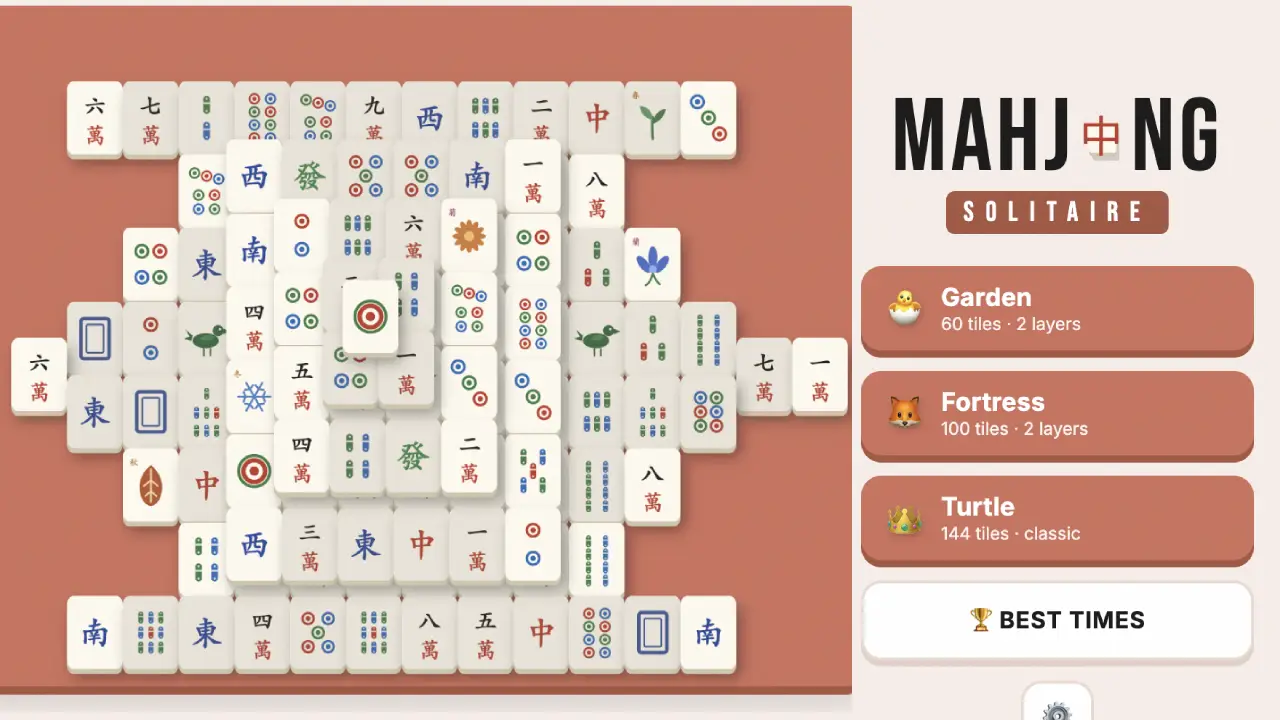
Mahjong Solitaire
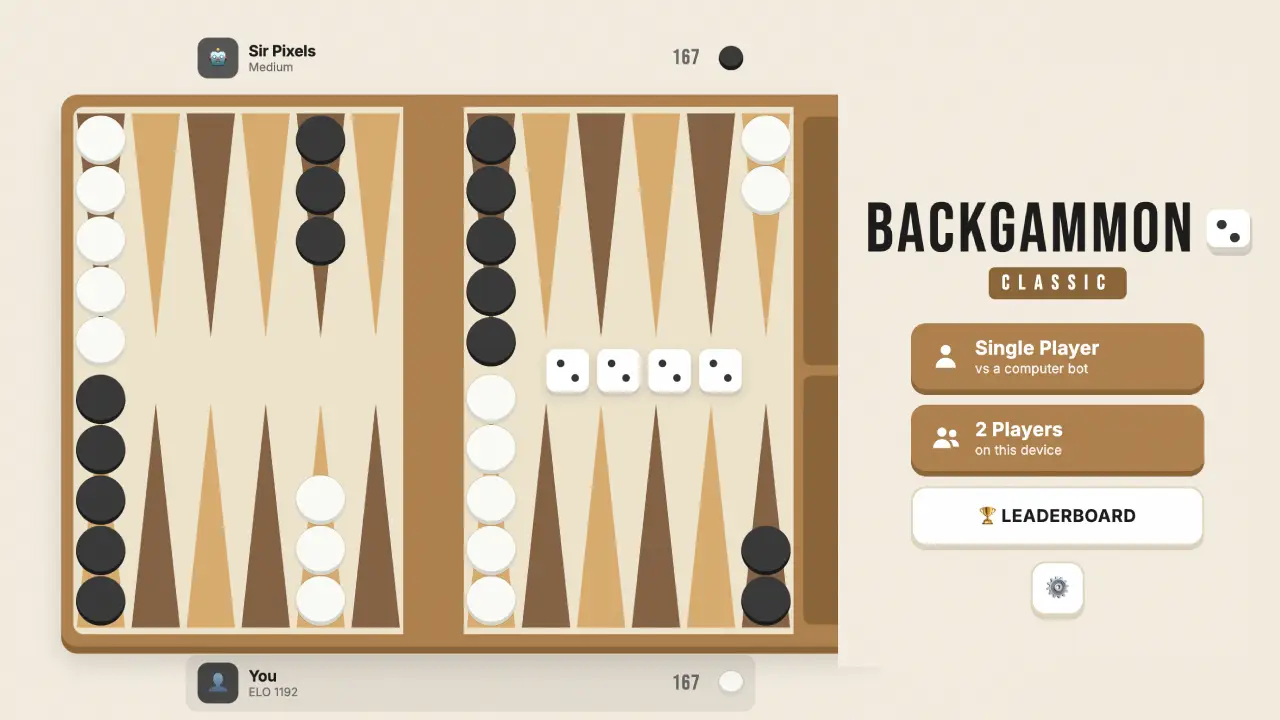
Backgammon Classic
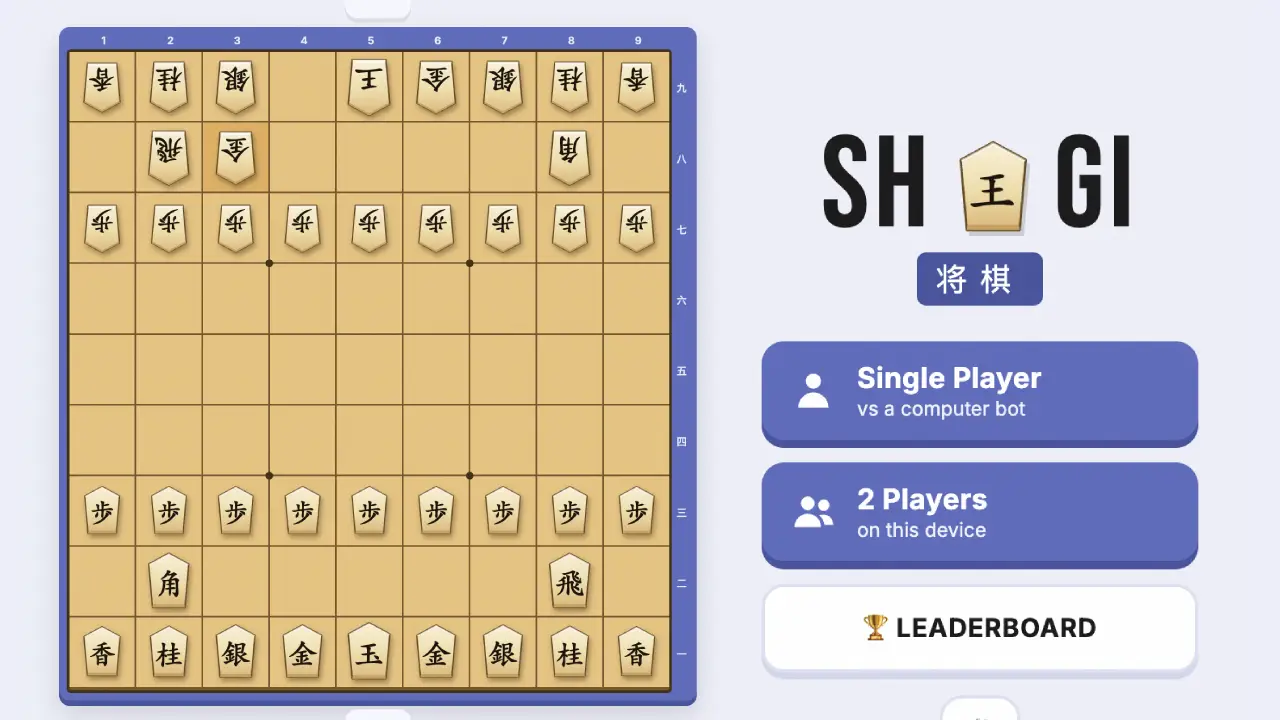
Shogi
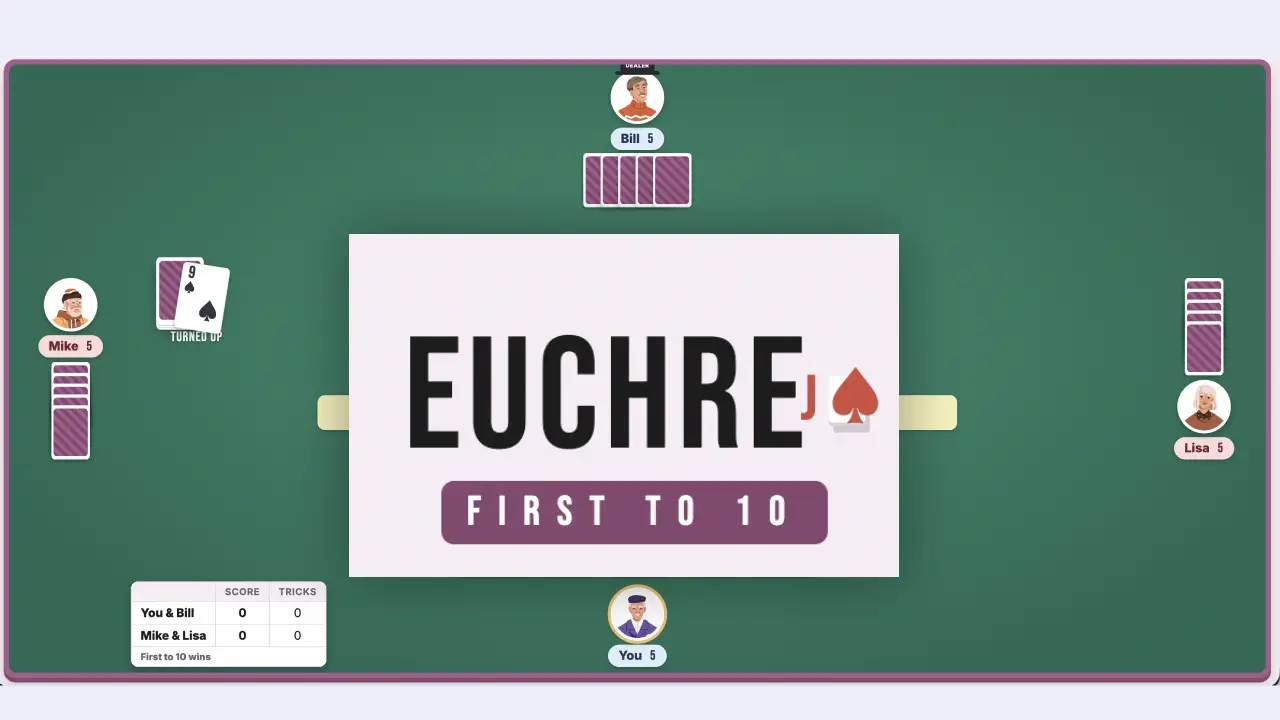
Euchre
Dominoes
Typing Practice
FreeCell Solitaire

Wild Bounty: Hunter 3D
Gomoku

Canasta
VoxelGun.io
Daifugo
Pinochle
Mini Golf Rush 3D
3D Basketball Rush
8 Ball Legend
Chess
Four in a Row
Zombie Survivor
DeveloperBrave games
ModesSingle player · Local 2-player
ReleasedMay 2026
TechnologyHTML5
PlatformBrowser (desktop, mobile, tablet)
How to Play
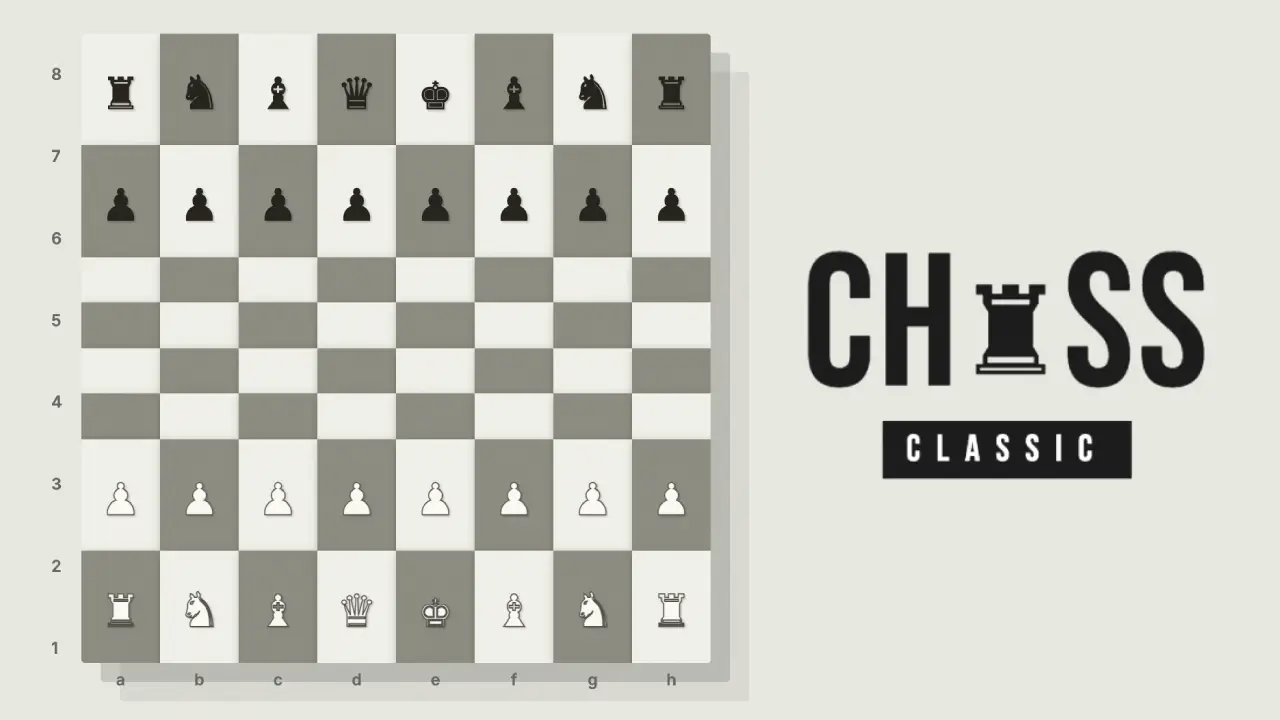
Play chess free, right in your browser — no download or sign-up needed. Challenge computer bots at a range of skill levels, starting from Beginner, or enjoy a local 2-player match on the same screen — with 10-minute chess clocks keeping the pace. Either way, standard chess rules apply on the classic 8×8 board (64 squares), and the goal is the same: trap your opponent's King with no escape — a winning condition known as Checkmate. The latest update adds unlockable achievements, three new daily tasks every day, and a coin store where your winnings buy fresh boards and piece sets — with the whole game playable in English or Japanese.
Browser Controls
- Select: Left-click or tap on the piece you want to move. Valid destination squares will highlight automatically.
- Move: Click or tap on a highlighted square to place your piece.
- Deselect: Click anywhere outside the valid squares to cancel your selection.
- Game Controls: Undo a move, offer a draw, or resign from the panel beside the board.
Special Rules
- Bot Levels: In single-player, choose a bot level — starting from Beginner — to match your skill.
- Chess Clock: Both players start with 10 minutes on the clock, so think ahead but keep an eye on your time.
- Castling: Move your King two squares toward a Rook, and the Rook jumps over the King. Only valid if neither piece has moved yet and the path is clear.
- Pawn Promotion: If your pawn reaches the opposite end of the board, it can be instantly upgraded to any piece (usually a Queen).
- En Passant: A special pawn capture that can occur immediately after an opponent moves a pawn two squares forward from its starting position.
- Checkmate & Stalemate: Win by delivering Checkmate — the enemy King is in check with no legal escape. If a player has no legal move but is NOT in check, the game is a draw by Stalemate.
- Play Offline: Once the page has loaded, the game keeps running with no internet connection — your match survives spotty WiFi.
- Achievements & Coins: Unlock achievements as you play and earn coins for each one you clear — your results and in-game ELO rating are tracked on the in-game leaderboard.
- Daily Tasks: Three new tasks arrive every day. Clear them for extra coins on top of your achievement rewards.
- Coin Store: Spend earned coins in the store on different chess boards and piece sets — everything is unlocked by playing, never by paying.
Piece Movement Guide
- King: Moves exactly one square in any direction (horizontally, vertically, or diagonally).
- Queen: The most powerful piece. Moves any number of vacant squares in any direction.
- Rook: Moves any number of vacant squares horizontally or vertically.
- Bishop: Moves any number of vacant squares diagonally.
- Knight: Moves in an “L” shape (two squares one way, then one perpendicular). The only piece that can jump over others.
- Pawn: Moves forward one square at a time, but captures diagonally. On its first move it may advance two squares.
Frequently Asked Questions
Is this chess game free to play?
Yes. Chess on Playgami is 100% free with no sign-up and no payment — just open the page and play.
Does the chess game have a timer?
Yes — both players start with 10 minutes on the chess clock, so games stay quick. Think ahead, but keep an eye on your remaining time.
Can I play chess against the computer?
Yes. Single-player lets you face computer bots at a range of skill levels, starting from Beginner — so it works whether you're brand new or experienced.
Can I play this chess game offline?
Yes. Once the page has loaded, the game keeps working with no internet connection — handy for commutes or spotty WiFi.
Can two people play on the same device?
Yes. Local 2-player mode lets two people take turns on one keyboard or screen — no second device or account needed.
Do I need to download or install anything?
No. It's an HTML5 browser game that loads instantly — no downloads, no installs, no plugins.
How do I earn coins and what can I buy?
Coins come from completing achievements and from the three daily tasks that refresh every day. Spend them in the in-game store on new chess boards and piece sets — there are no real-money purchases.
Can I play in Japanese?
Yes. Use the EN / 日本語 toggle in the top corner to switch the entire game — menus, achievements, daily tasks, and the store — between English and Japanese.
Can I play on a phone or tablet?
Yes. It works on desktop, laptop, tablet, and mobile browsers.