Loading game…
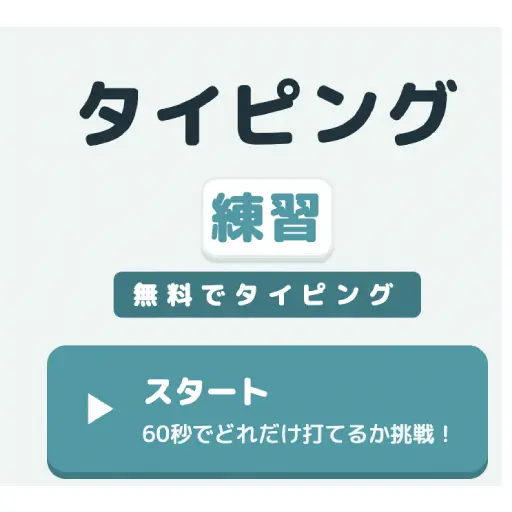
Click anywhere to start
Typing Practice
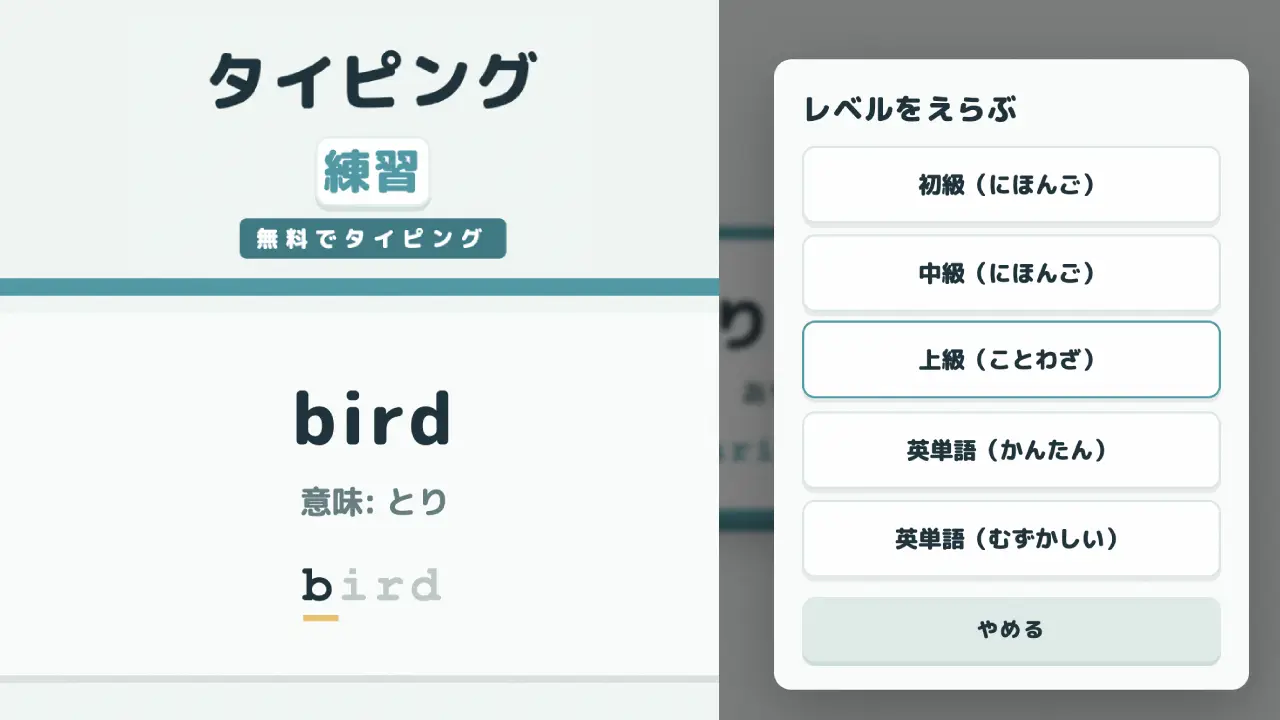
Free 60-second typing practice game from Japan. Type the words shown in romaji across five levels - beginner and intermediate Japanese, an advanced proverbs course, and two English vocabulary modes - while the game tracks your score, keystrokes per minute, misses, and accuracy, and keeps your best 10 records. Japanese-language interface; desktop keyboard recommended. No download, no sign-up.
Lakeview Angler
Snake Rush
2048

Checkers Classic
Carrom Rush
Reversi Classic

Cricket Clash
Minesweeper Classic
Word Search
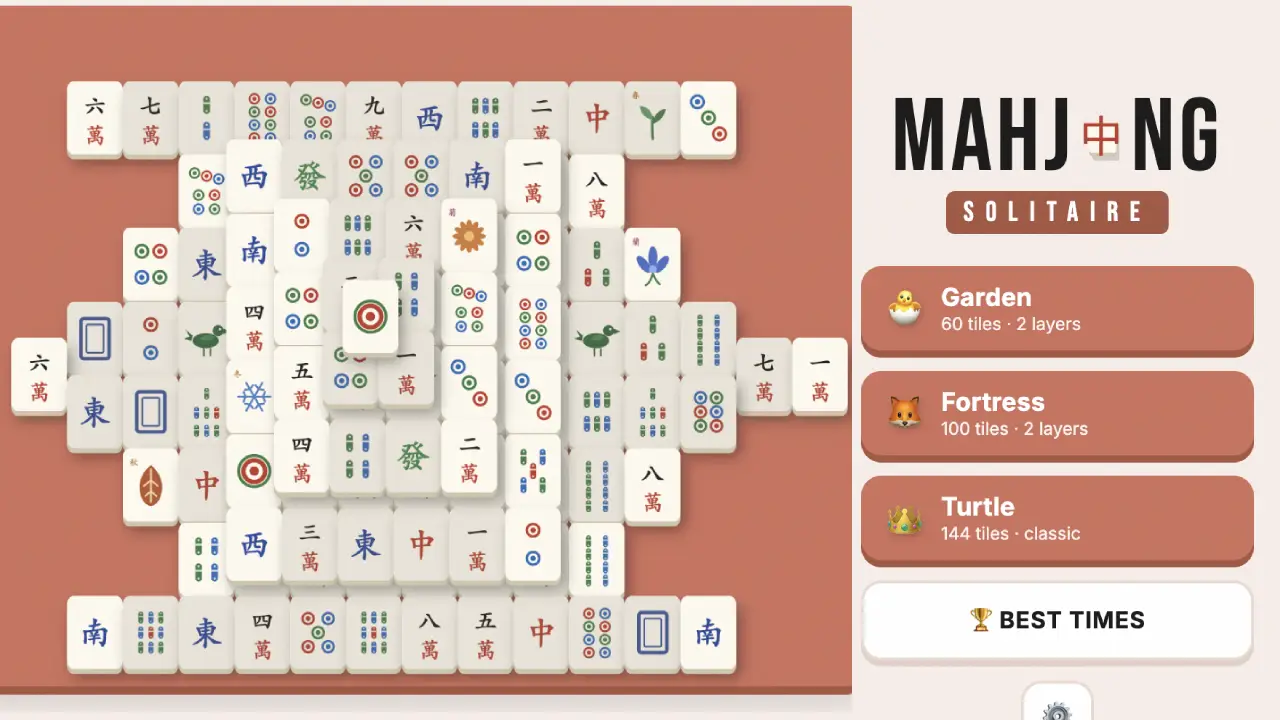
Mahjong Solitaire
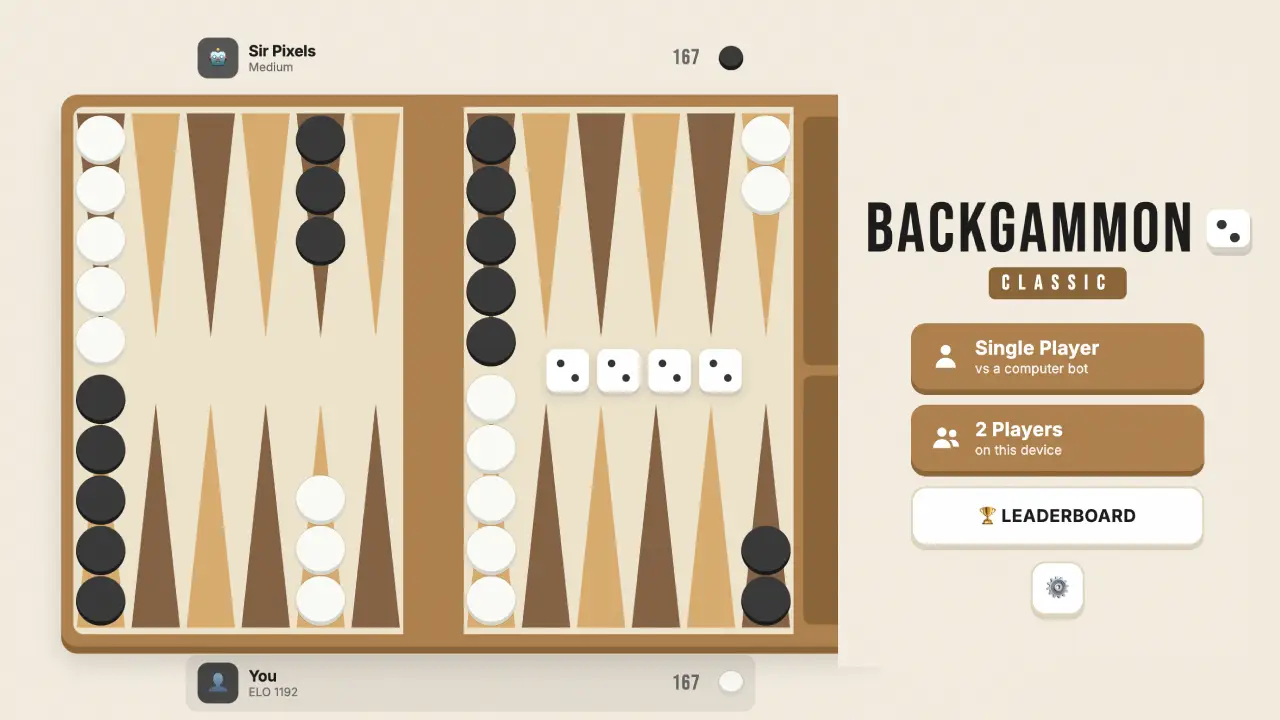
Backgammon Classic
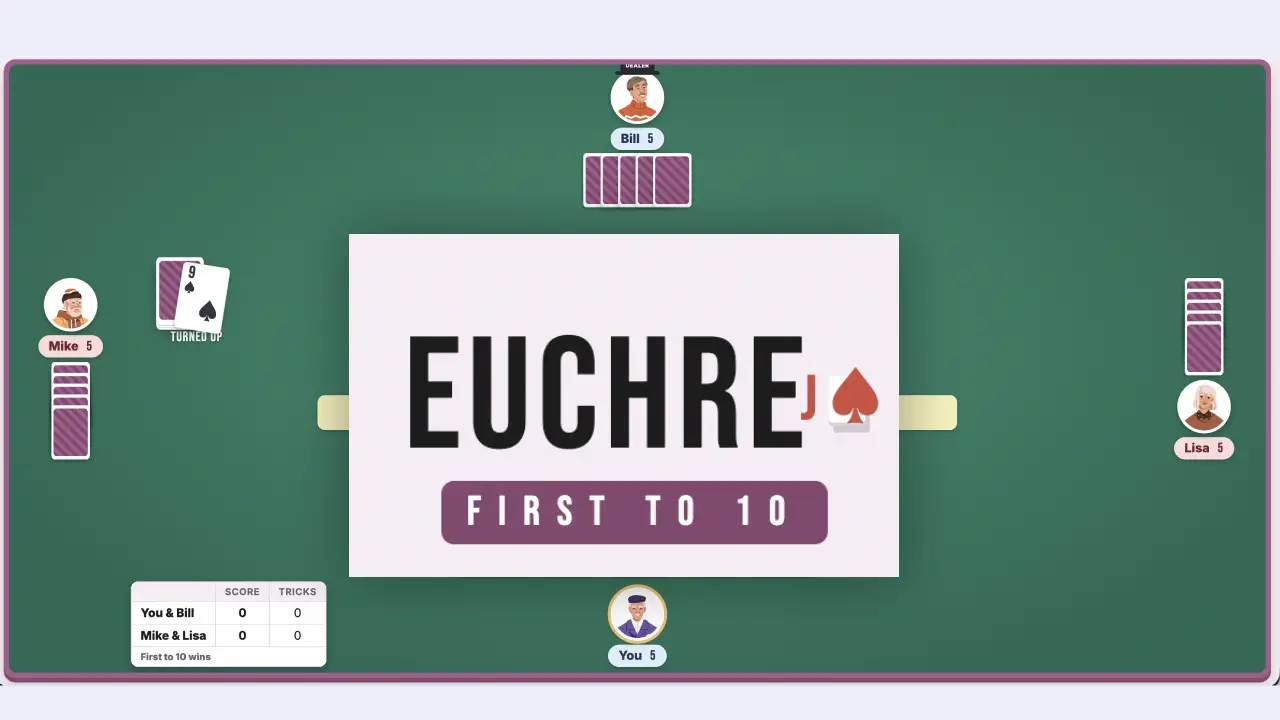
Euchre
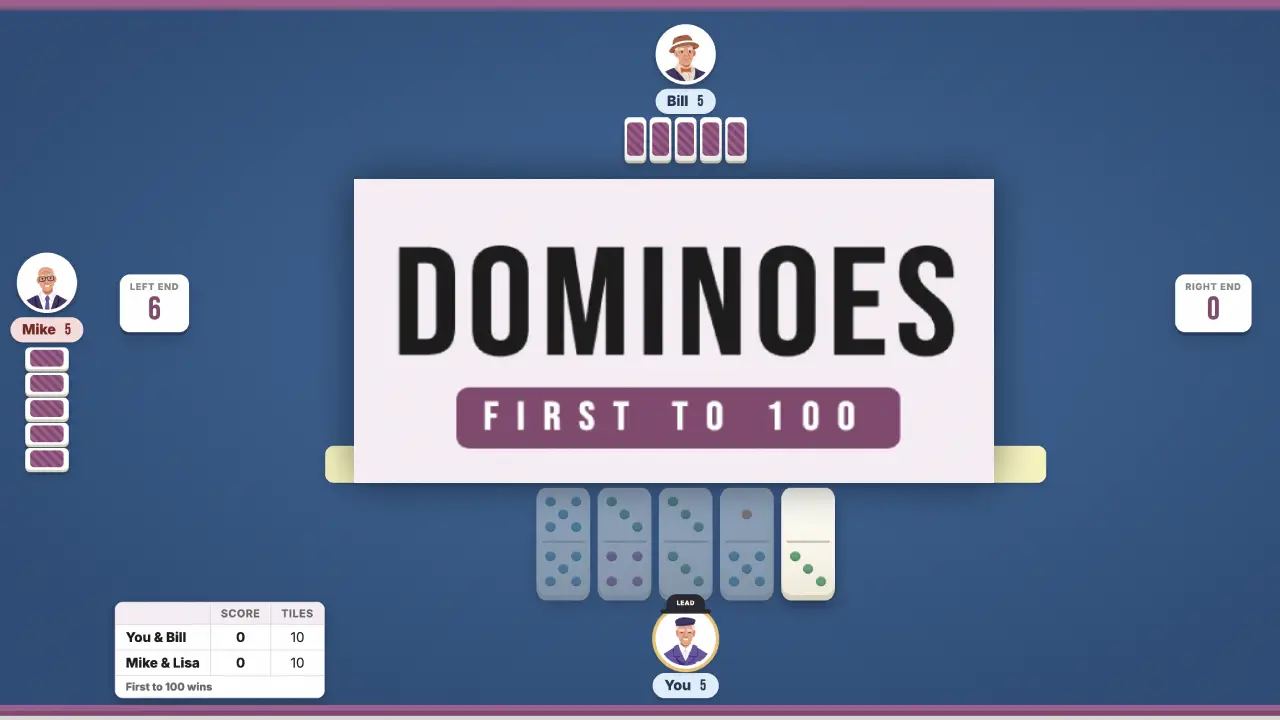
Dominoes
Typing Practice
Shogi
FreeCell Solitaire
Gomoku

Canasta

Wild Bounty: Hunter 3D

VoxelGun.io
Daifugo
Pinochle
Mini Golf Rush 3D
3D Basketball Rush
8 Ball Legend
Chess
Four in a Row
Zombie Survivor
DeveloperBrave Games
ModesSingle player
ReleasedJuly 2026
TechnologyHTML5
PlatformBrowser (desktop or laptop with a physical keyboard)
How to Play
A free 60-second typing game from Japan: words appear on screen and you type them in romaji on a regular keyboard, racing the clock while the game tracks your speed and accuracy. Five levels cover everyday Japanese words from beginner to an advanced proverbs course, plus two English-vocabulary modes - so it doubles as typing practice for Japanese learners and a quick daily speed drill. The interface is in Japanese, and a desktop or laptop keyboard is recommended (the game says so itself). No download, no sign-up.
Browser Controls
- Start: Press the space bar to start a 60-second round.
- Type: Type the word shown on screen in romaji on a standard QWERTY keyboard - no Japanese keyboard or IME needed. If your system's Japanese input is on, switch it off (hankaku/alphanumeric mode) first.
- Choose a Level: Pick from five levels: beginner and intermediate Japanese words, an advanced proverbs course, and easy or hard English vocabulary.
Special Rules
- 60-Second Rounds: Each run lasts 60 seconds - type as many words as you can before the timer hits zero.
- Speed & Accuracy: The results screen shows your score, keystrokes per minute (KPM), misses, accuracy percentage, and words completed - plus a fun rank title.
- Best 10 Records: Your top ten scores are saved on this device, so you can watch your speed climb day by day.
Speed & Accuracy Tips
- Accuracy First: Misses cost you time and score. Slow down until you stop missing, then let speed come naturally.
- Home Row Discipline: Keep your fingers anchored on the home row and reach from there - it is the single biggest speed unlock.
- Learn with the English Modes: The English vocabulary levels double as a study drill - typing a word is a great way to memorise it.
- Graduate to Proverbs: The advanced course uses Japanese proverbs (kotowaza) - longer phrases that train rhythm and endurance.
Frequently Asked Questions
What is this typing game?
It is a free Japanese-made typing practice game. Words appear on screen and you type them in romaji against a 60-second clock, while the game tracks your score, keystrokes per minute, misses, and accuracy. It runs in your browser with no download and no sign-up.
Do I need a Japanese keyboard or IME?
No. You type plain romaji on a standard QWERTY keyboard. In fact, if your computer's Japanese input mode (IME) is switched on, turn it off - the game expects direct alphanumeric input.
Is this good for learning Japanese?
It is a nice drill if you already know kana: words are shown in Japanese with their kana reading, and typing them in romaji reinforces both reading and spelling. There are also two English-vocabulary modes if you just want a speed workout.
Is the interface in English?
The menus are in Japanese - it is a Japanese-made game aimed at Japanese players - but the layout is simple: one start button, a level picker with five options, and a results screen. The two English-vocabulary levels use English words.
What levels are there?
Five: beginner Japanese words, intermediate Japanese words, an advanced Japanese proverbs course, and two English vocabulary levels (easy and hard).
Can I play on my phone?
It is designed for a physical keyboard - the game itself recommends playing on a PC keyboard - so a desktop or laptop is the way to go.
Is my score saved?
Your best ten records are kept on the device you play on. There is no account and no online leaderboard.