Loading game…
Click anywhere to start
Wild Bounty: Hunter 3D
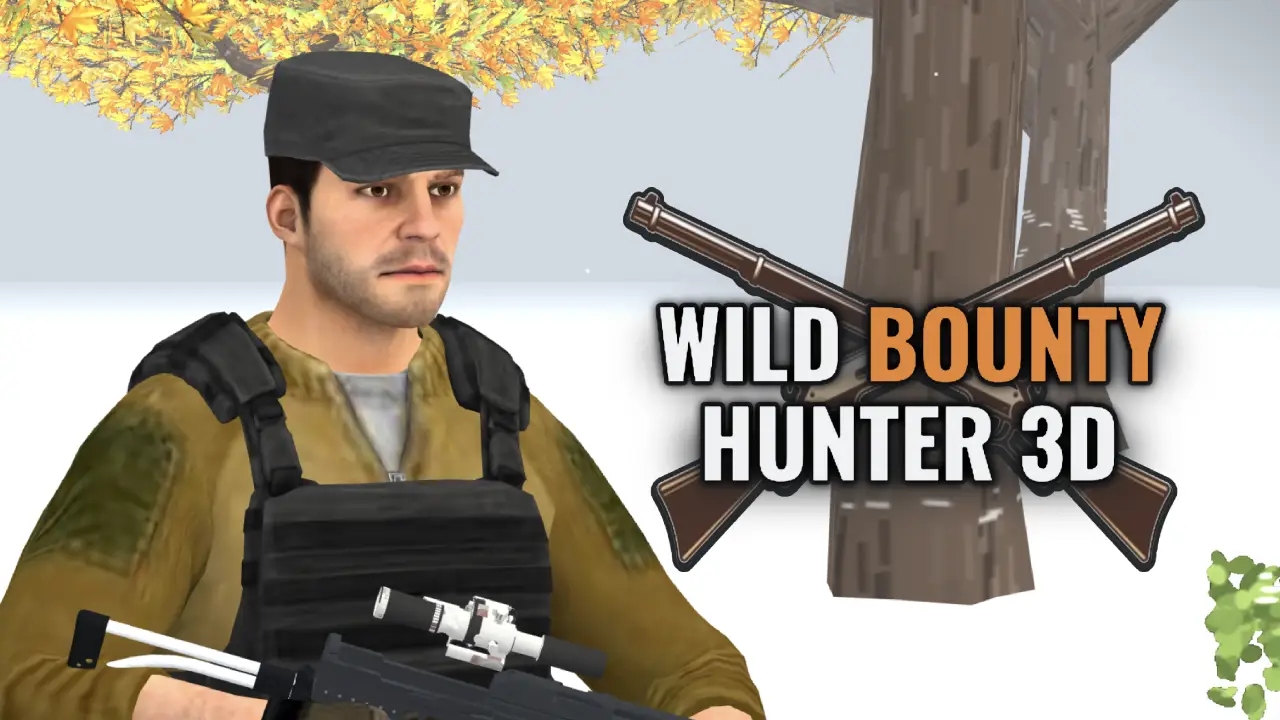
Wild Bounty: Hunter 3D is a realistic 3D hunting game that runs entirely in your browser. Take on bounty tasks to track down virus-infected animals and protect the wilderness: explore the Redleaf Ridge episode, manage your noise and visibility to stay hidden, lure your prey into range, and line up a clean shot. Earn cash and XP for every bounty, upgrade your weapons and talents, outscore rival AI hunters, and switch to Free Hunt mode to roam at your own pace. Single-player vs AI with English and Japanese language support - no online play, no download, no sign-up.
Lakeview Angler
Snake Rush
2048

Checkers Classic
Carrom Rush
Reversi Classic

Cricket Clash
Minesweeper Classic
Word Search
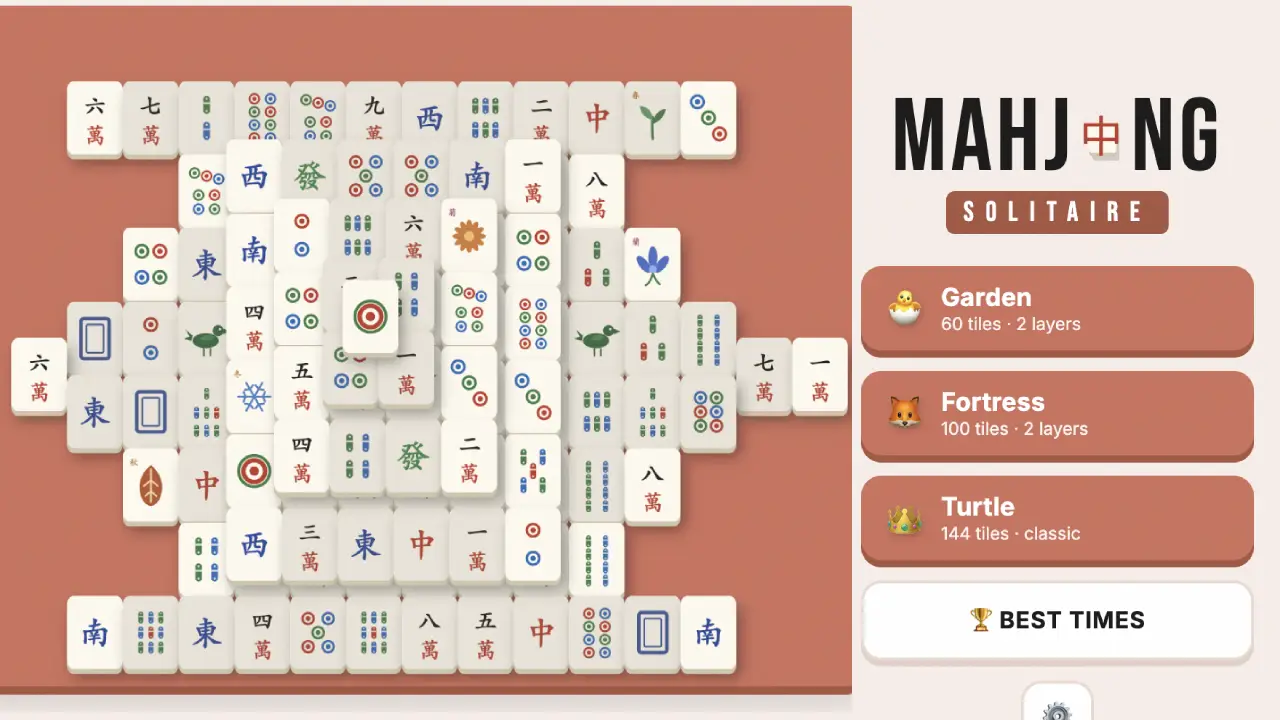
Mahjong Solitaire
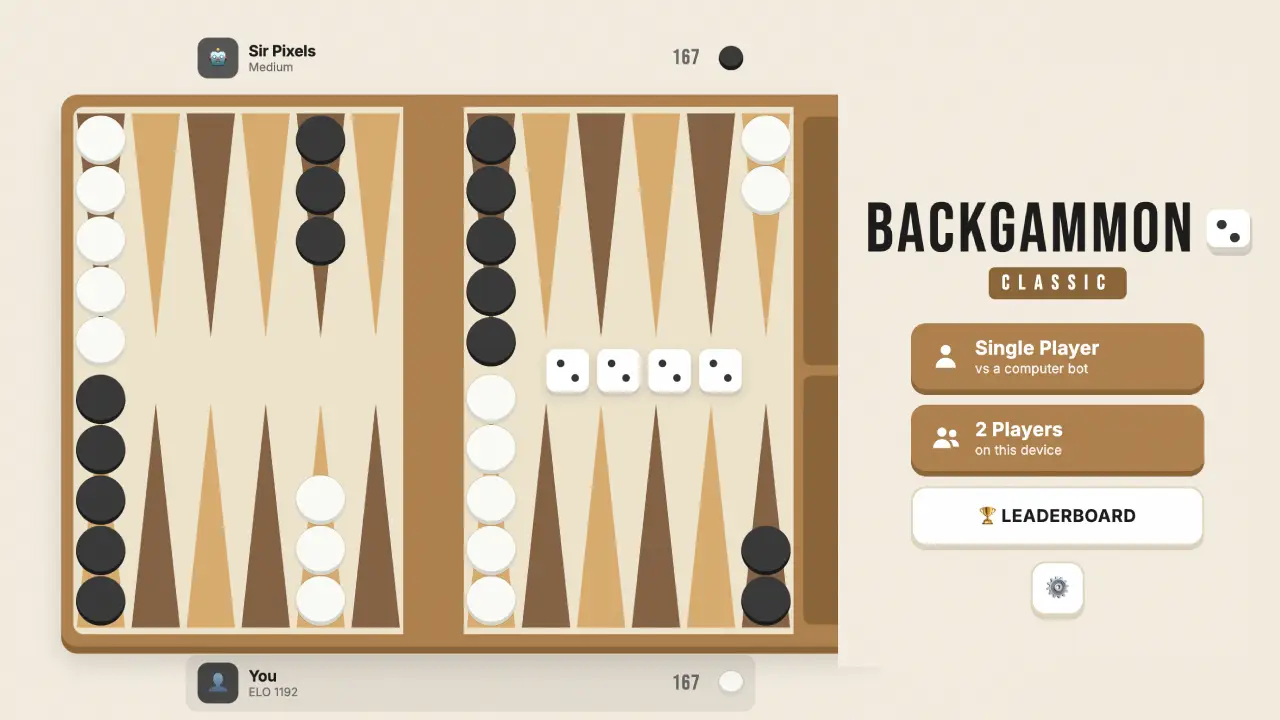
Backgammon Classic

Shogi

Euchre
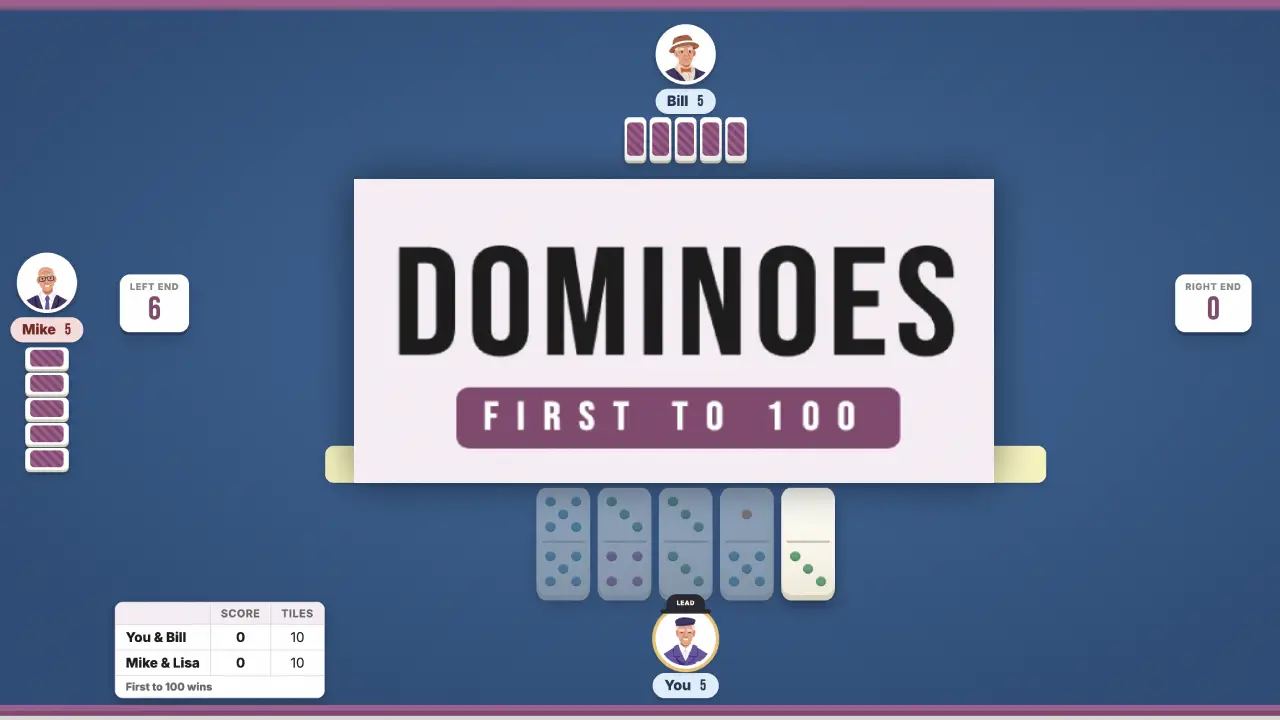
Dominoes
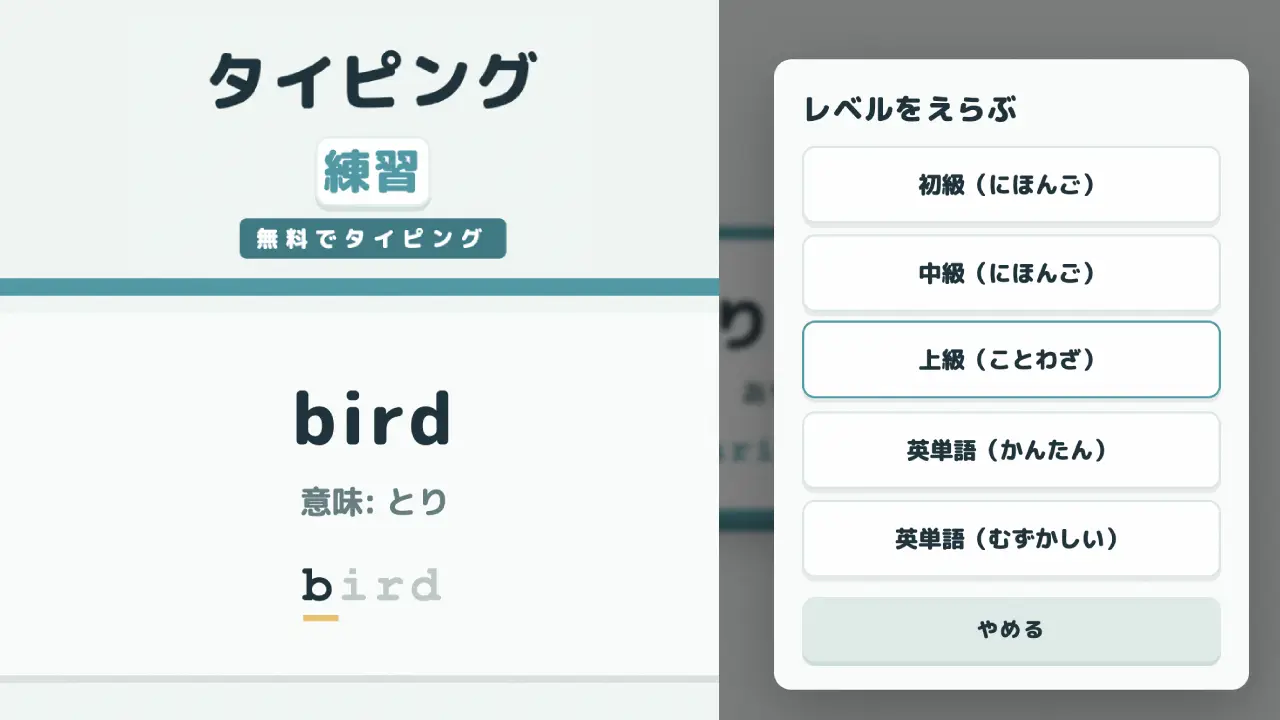
Typing Practice
FreeCell Solitaire
Gomoku

Canasta
Wild Bounty: Hunter 3D
VoxelGun.io

Daifugo

Pinochle
Mini Golf Rush 3D

3D Basketball Rush
8 Ball Legend
Chess
Four in a Row
Zombie Survivor
DeveloperBrave Games
ModesSingle player
ReleasedAugust 2026
TechnologyHTML5 (WebGL)
PlatformBrowser (desktop, tablet & mobile)
How to Play
Wild Bounty: Hunter 3D is a realistic 3D hunting game that runs entirely in your browser — free, no download, no sign-up. A virus is spreading through the wilderness, and you're the bounty hunter hired to stop it: take on timed contracts to track down infected and mutated animals, from rabid wolves and boars to titan buffalo and mutant leopards, and protect what's left of the wild. Read the wind, watch your noise and visibility, scan targets with your range binoculars, lure prey in with the bear caller, then settle the hunt with one well-placed shot from your .270 bolt-action rifle. Five rival AI hunters are chasing the same bounties — outsmart them, bank the cash and XP, and upgrade your rifle and talents between contracts. Episode 01 opens on Redleaf Ridge, with hunts ranging across conifer forests, birch woods, snowfields, and storm-swept steppe.
Browser Controls
- Move: W A S D
- Look / Aim: Mouse
- Fire: Left mouse button
- Scope On / Off: Right mouse button
- Bolt (chamber next round): R
- Hold Breath: Space
- Gear Slots: 1 rifle · 2 binoculars · 3 bear caller
- Bag / Confirm: B
- Touch: On phones and tablets the hunt runs with on-screen touch controls
Special Rules
- Bounty Contracts: Seven timed contracts escalate from Patient Zero — two infected boars for $30 — to Operation Bio-Cleanse, a storm finale against two titan buffalo and a mutant leopard worth $2,500 and a huge XP payout. Time limits run 5 to 12 minutes, so hunt fast but hunt clean.
- Rival Hunters: Five named AI hunters — Falk, Thorne, Iron Elk, Eyra, and Sable — work the same contract and race you to every target. The scoreboard tracks each hunter's tally in real time; may the best hunter win.
- Stealth, Noise & Wind: Your HUD tracks stance, noise, and visibility, and the compass shows the wind direction. Move quietly, keep the wind in your face, and you'll get close enough for a clean shot before the herd spooks.
- Mutant Targets: Infected mutants soak extra hits: a mutant crocodile or leopard takes two solid shots, and a titan buffalo takes three. Plan your magazine before you commit.
- Progression & Free Hunt: Bounties pay cash and XP — spend them on rifle upgrades and talents, then take Free Hunt mode to roam the wilderness at your own pace outside the contract list.
Hunter's Loadout
- .270 Hunter — 6x Scope: Your one and only rifle, and it's all you need: a .270 bolt-action with a 6x scope. Work the bolt with R between shots and hold your breath with Space for long-range precision.
- Weapon Workshop: Upgrade the rifle's barrel, optics, stock, and magazine through five levels each — the receiver and furniture stay classic. One gun, mastered and tuned, instead of a locker full of loadouts.
- Range Binoculars: Slot 2. Raise them to scan the terrain, lock onto an animal, and read its info card before you commit to a stalk.
- Bear Caller: Slot 3. Sound the call to lure bears within 250 meters toward your position — bait the hunt instead of chasing it.
- The Infected: Contract targets include boars, wolves, red deer, ibex, crocodiles, leopards, and buffalo — infected, rabid, and mutated variants that get tougher as the bounties climb.
Frequently Asked Questions
What is Wild Bounty: Hunter 3D?
Wild Bounty: Hunter 3D is a free, realistic 3D hunting game you play in your browser. You take timed bounty contracts to track down virus-infected and mutated animals, using stealth, wind, binoculars, and a .270 bolt-action rifle — while five AI rival hunters race you to the same targets. No download or sign-up needed.
What is Free Hunt mode?
Free Hunt takes you into the wilderness outside the contract list, so you can scout terrain and practice clean shots at your own pace. Bounty contracts remain the way to earn cash and XP for upgrades.
Is it multiplayer or online?
No. Falk, Thorne, Iron Elk, Eyra, and Sable are all AI-controlled rivals, so every contract is single-player PvE — which also means no lobbies and no lag. The competition is real; the opponents are bots.
What animals can you hunt?
Contracts target infected boars, rabid wolves, red deer, ibex, crocodiles, leopards, and titan buffalo. Mutated variants take extra hits — two clean shots for a mutant crocodile or leopard, three for a titan buffalo.
What weapons and gear do you get?
One rifle, done properly: the .270 Hunter with a 6x scope, upgradeable across barrel, optics, stock, and magazine (five levels each) in the weapon workshop. You also carry range binoculars for scouting targets and a bear caller that lures bears within 250 meters.
How do the bounty missions work?
There are seven contracts with time limits from 5 to 12 minutes, escalating in difficulty and pay from $30 for the first infected boars up to $2,500 for the Operation Bio-Cleanse storm finale. Each bounty also pays XP toward your hunter level and talents.
How do Noise and Visibility work?
The meters on your HUD show how loud and how exposed you are, and the compass shows wind direction. Stay low, move slowly, and approach from downwind — spooked animals run, and rushed hunts fail the timer.
Can I play it on my phone or tablet?
Yes. Wild Bounty: Hunter 3D plays on iPhone, iPad, and Android with touch controls, as well as on desktop and laptop browsers with mouse and keyboard.
Is it like theHunter: Call of the Wild?
It shares the realistic-hunting DNA — wind, breath control, bolt-action pacing, and scouting with binoculars — but Wild Bounty runs instantly in a browser tab for free, built around fast bounty contracts instead of an open-world grind. It's an independent game by Brave Games and is not affiliated with Expansive Worlds or Avalanche Studios.